


ZLOS - Zero Limits On Powers
ZLOS EP03 In-ear Bone Conduction Bluetooth Swimming Headphone
ZLOS EP03 In-ear Bone Conduction Bluetooth Swimming Headphone
픽업 사용 가능 여부를 로드할 수 없습니다.
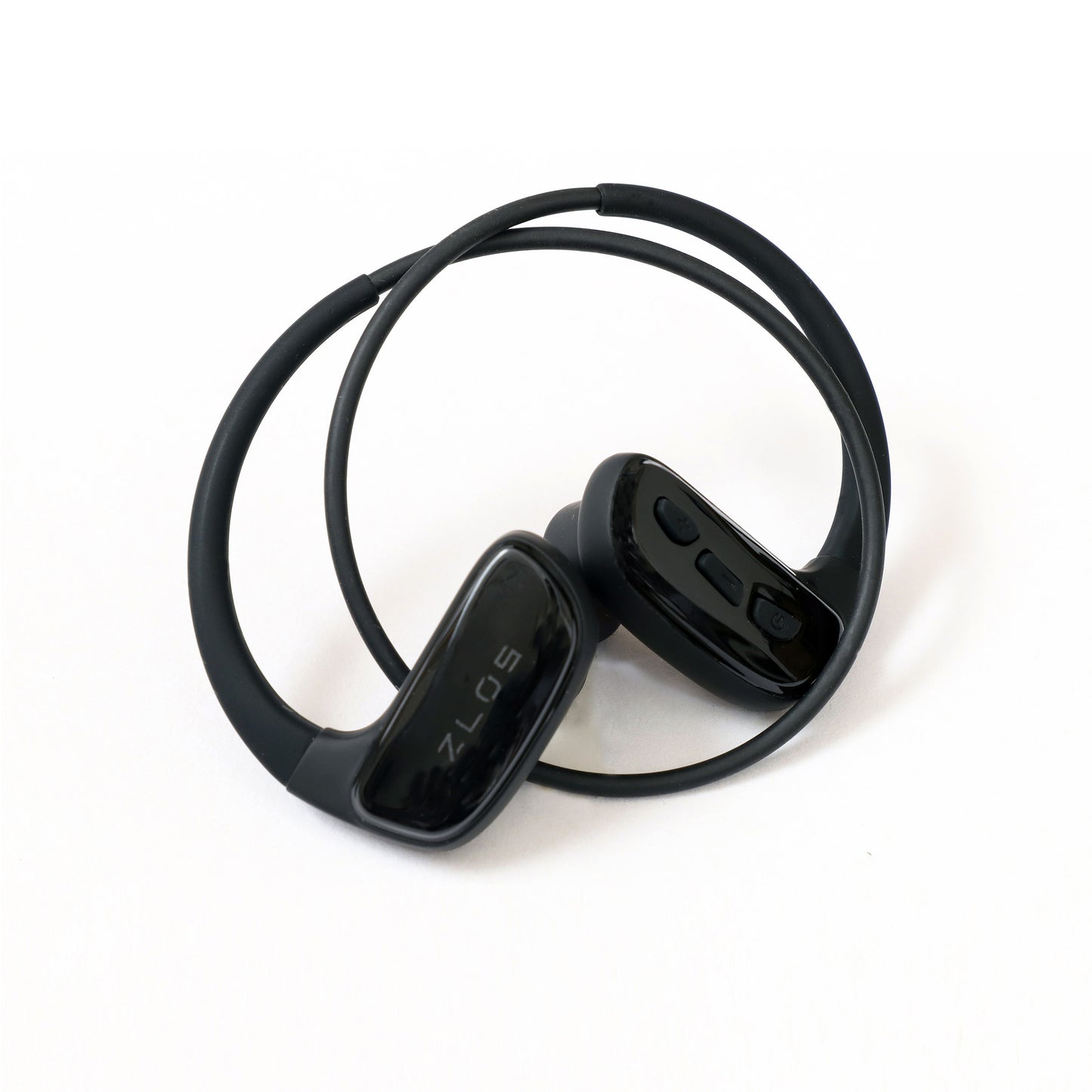
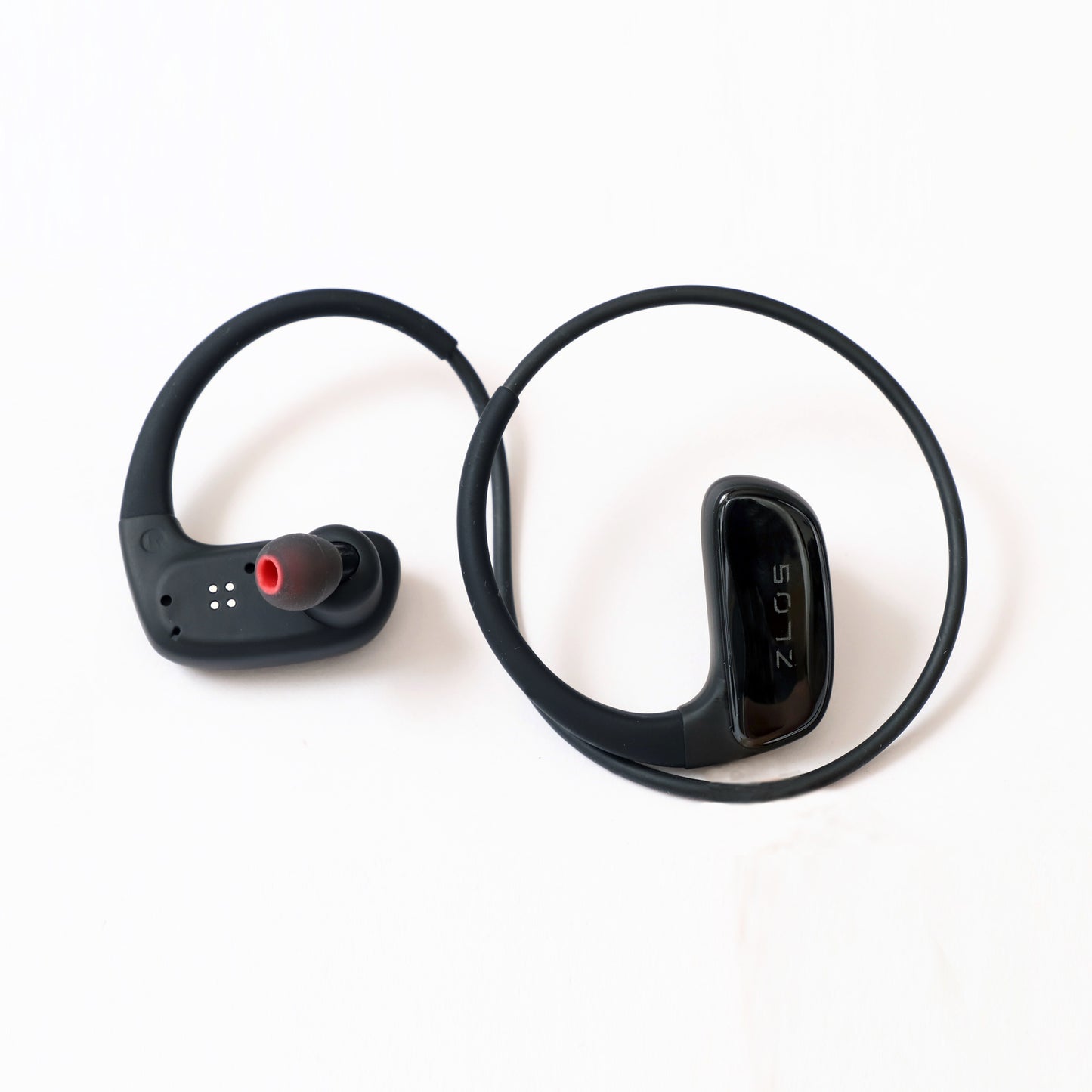


 Full Silicone & Skin - Friendly
Made of full silicone, it’s as soft and skin - friendly as a gentle embrace. Whether you’re sweating it out playing tennis or doing other high - intensity sports, it delivers extreme comfort, tenderly caring for your ears. So you can focus on the sport itself, without worrying about ear discomfort.

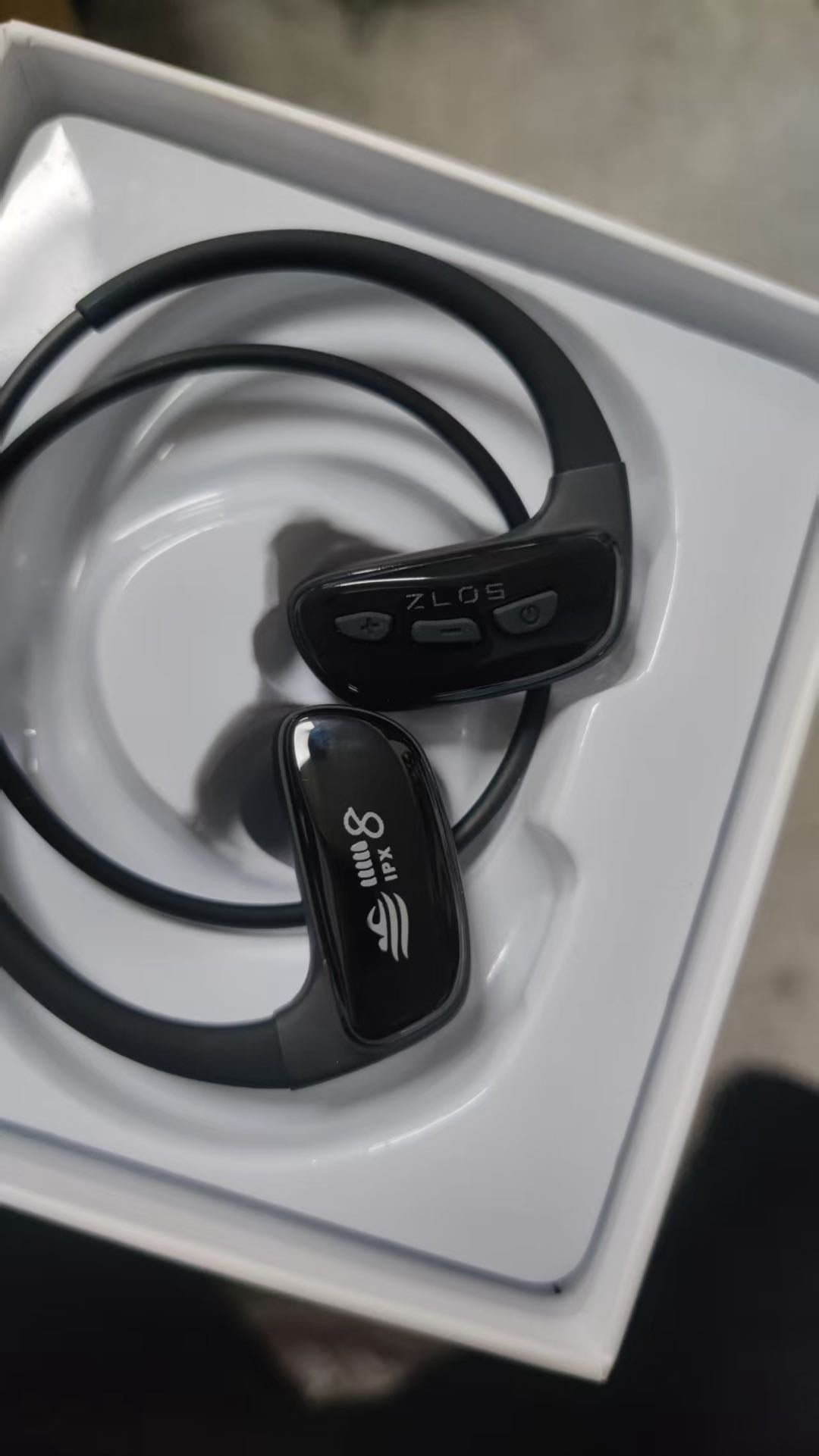
IPX8 - Level Waterproof
With IPX8 - level waterproofing, this headphone can easily handle underwater environments. When you swim in the pool, it fears no splashes and keeps playing beautiful melodies, adding a unique charm to your swimming time, as if the whole pool becomes your exclusive music ocean.

Stable Fit for Sports
Designed with a sport - specific stable fit, even during the thrilling sport of surfing, it stays firmly fixed on your ears. As you ride the waves, the headphone is always there, making the dynamic music perfectly match each of your surfing moves. Release your sports passion to the fullest, without worrying about it falling off.
Basic parameters
Bluetooth version: V5.4
Charging time: 2 hours
Battery capacity: 230mAh
Duration: 12 hours
Charging voltage: 5V / 1A
Standby time: 360 hours
Quick Start Guide
Key Description
1.Indicator light:Different states and different lights
2.Magnetic port:For charging and data transmission
3.Function key:
(1)On / off, play / pause, call operation
(2)Language switching, assistant wakeup
4.Volume - :Switch to the previous song, previous folder
5.Volume + :Switch to the next song, next folder, and playback mode switch
How to connect BT wireless?
After booting, the blue and red lights flash alternately and the headset enters the BT pairing state Turn on the BT of the mobile phone, find the BT name of "SM808" and click Connect; the blue light flashes intermittently after successful connection
How to switch on / off?
(1)Long press the function key for 2 seconds to turn on
(2)long press the function key for 5 seconds to turn off
How to switch playback modes?
Quickly double-click "Volume -" to switch to memory card playback mode or BT playback mode Music format support: MP3, WMA, WAV, FLAC
How to switch headphone order / shuffle play
Memory card playback mode, press the function key three times quickly
How to wake up the mobile assistant?
In the paired state of Bluetooth, press the function key three times to wake up the mobile phone assistant.
How to switch folder playback?
In memory card playback mode:
(1)press and hold "Volume +" for 6 seconds to switch to the previous folder
(2)press and hold "Volume -" for 6 seconds to switch to the next folder
Switch songs and adjust volume
1.Switch songs: Press and hold "Volume +" or "Volume -" for 2 seconds to switch to the previous or next song;
2.Volume adjustment: short press "Volume +" or "Volume -" to adjust the volume
How to switch voice language?
When Bluetooth is not connected to the device, voice double-click the function key to switch the Chinese / English voice language (please disconnect after BT is connected and try again)
How to download / delete files?
After connecting the Magnetic data cable to the computer or other devices in any state, the indicator light is always red and the blue light is flashing quickly, then the memory management mode is executed. Copy these songs from the computer to the USB. (please use original USB cable)
Call operation
1.Dial: Double-click a function key to call the recent call
2. Answer: short press function key 1 to answer the call
3. Hang up: short press function key 1 to hang up the call
4. Reject: Press and hold the function key for 2 seconds to reject the call
Precautions
1.Please use the original USB cable and 5V / 1A charging head for charging
2.This product does not currently support the use of Apple devices for memory data management
3.Please wipe the water on the surface of the headset after each movement, especially the charging port, to deal with it clean in time to prevent port, affecting the life of the charging port, affecting the life of the product.
4.When using headphones for swimming, it is recommended to use "ear protection swimming caps" to reduce the risk of falling and water entering the headset
5.The headset can not soak seawater / salt water for a long time, filling the magnetic suction port is easy to corrode
6.If not used for a long time, please at least once a month full of electricity
7.Please do not disassemble any parts of the product, if you find that the product has defects, that is, stop using the product, contact the sales side after sales service.
8.Keep the product away from fire, heat, freezing sources, chemicals, violent impact disassembly and extrusion products strictly prohibited